Content➢Data based on search criteria ➢Data based on all transactions Videos |
This grid displays information to enable you to contact agents quickly.
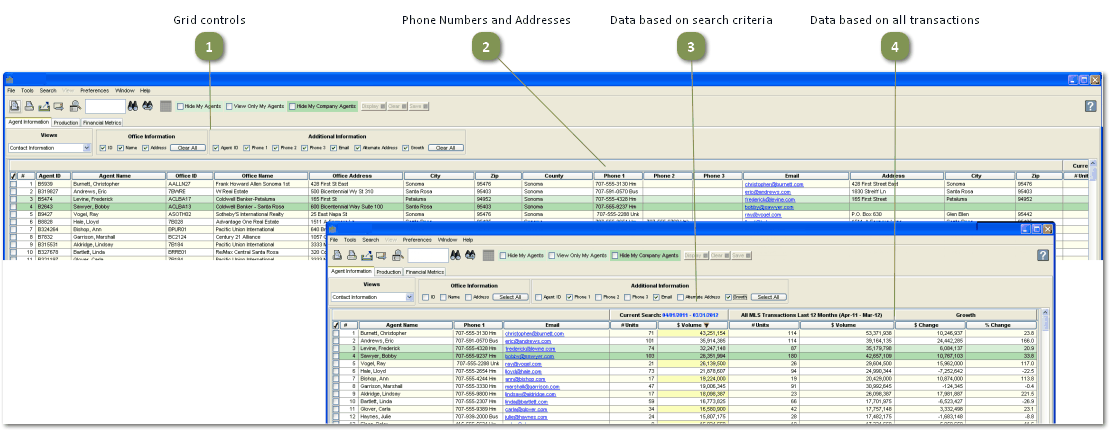
Grid controls

•Check one or more of these options to display additional columns in the grid.
•By default, all of the checkboxes are checked following a search.
Phone Numbers and Addresses

•The additional information you select (see #1 above) is shown in these columns.
•Click on the email address to display an email message window.
Data based on search criteria
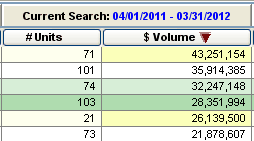
•The values displayed in these columns are based on the criteria selected on the search screen.
•The date range shown in the column header is the date range selected on the search screen.
Data based on all transactions
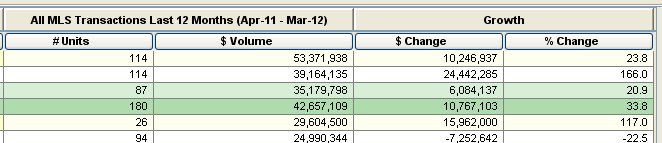
•The values displayed in these columns are based on all of the agent's transactions for the last 12 complete calendar months (all property types, all areas, all bedrooms, all baths, all construction types).
•The Growth columns display the change in $ Volume from the previous twelve months and the last 12 months.